Review attempts. Never guess.
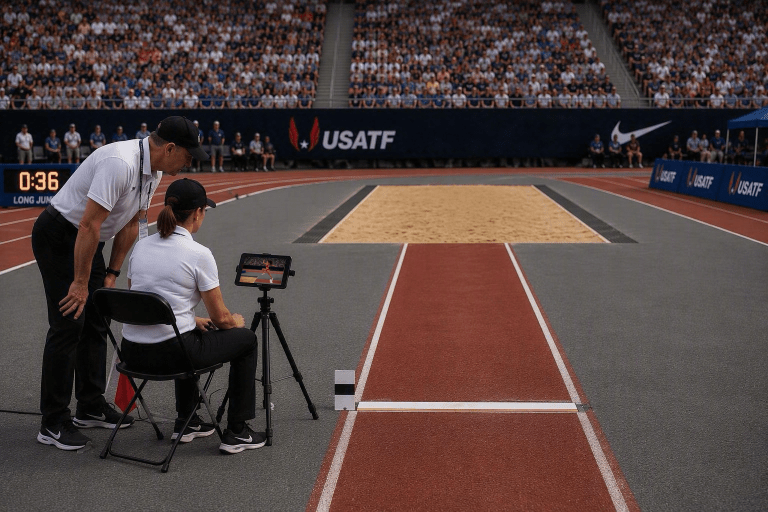
VideoView turns your iPhone or iPad into an instant-replay booth right at the board, on the runway, around the track, or in the throwing circle. Stand beside it and watch the event the way you always do; as the athlete comes down the runway, spins in the circle, or vaults to new heights, tap the screen to start recording and tap again to stop. VideoView drops straight into replay, so you can scrub the attempt one frame at a time and review the call with confidence.
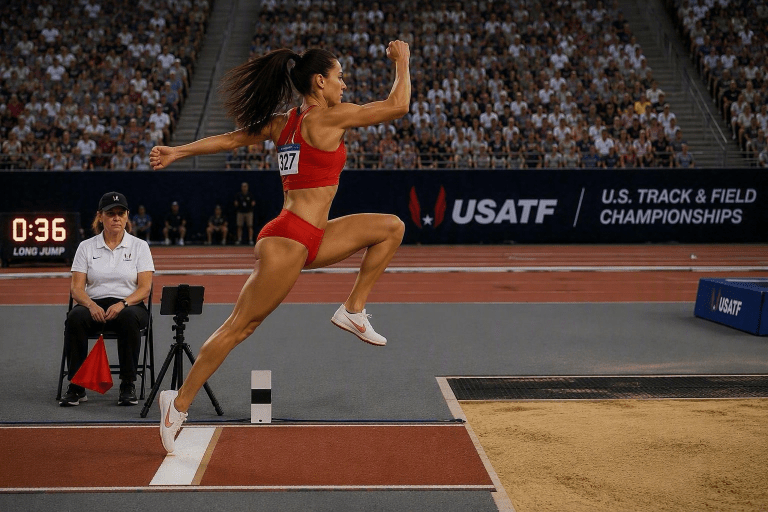
A foul call at full speed comes down to a fraction of a second. You still watch the athlete live, but the moment you tap to stop, VideoView hands you the recording — step through it one frame at a time to the exact point of takeoff, the exact moment of the throw, or plant in the box.
The clip stays with the officiating crew. What was a judgement call from a few feet away is now something you and the referee can actually look at before it's final.
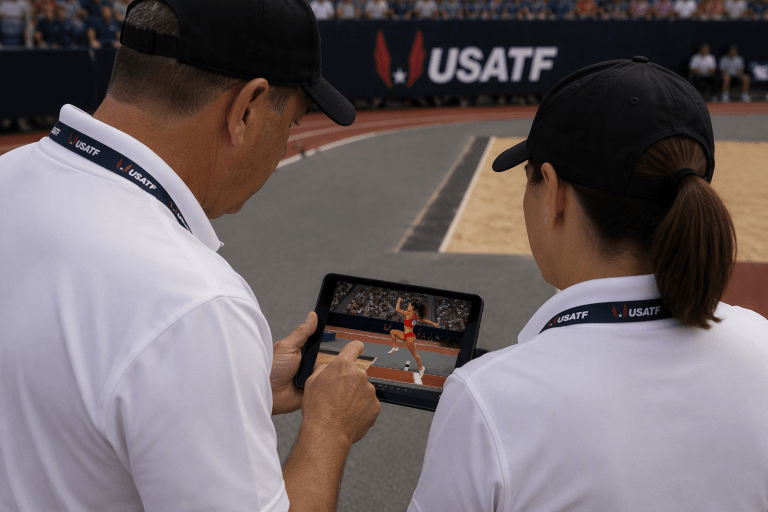
If a call is protested, the officials can review the attempt right away and, if it's needed, call the referee over for a final decision — all from the same frame-by-frame replay.
Otherwise the crew reviews the flight's clips with the referee at the end of the round, before the next flight is up. Every decision is reviewed from the video, not from memory.
Tripod mount your device close to your event, ready to record, watching the athlete live like you always do.
As the athlete approaches the board, begins the throw, or plants a foot, tap anywhere on the screen to start recording. Tap again to stop.
VideoView switches straight to replay. Step through the attempt one frame at a time through to completion.
Confirm fair or foul from what's on screen. On a protest, review it with the referee — otherwise the crew reviews the flight's clips together at the end of the round.
Step through the attempt one frame at a time and stop exactly on takeoff or contact.
Tap to stop and you're already in replay — no menus, no export, so a question never holds up the flight.
One iPad on a tripod. No extra crew, no cameras to wire up.
On a protest the referee sees exactly what the official saw, frame by frame — the decision comes from the video, not a debate.
Start and stop with a tap anywhere on the screen, so your eyes stay on the board, not on a shutter icon.
Tap to start, tap to stop, scrub the replay. If you can use the camera app, you can use VideoView.